Show/hide columns in exported file

In this tutorial you will learn how to use … add short description about tutorial
Steps
Open Search tab using one of tutorials below.
Filter data in the preview table as needed.
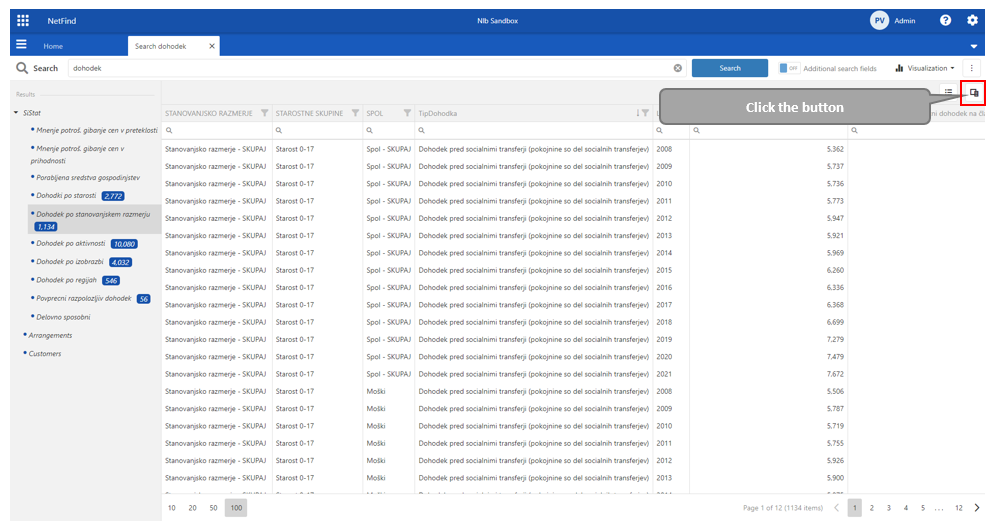
Click on “Column chooser” button located on the right side of the window.
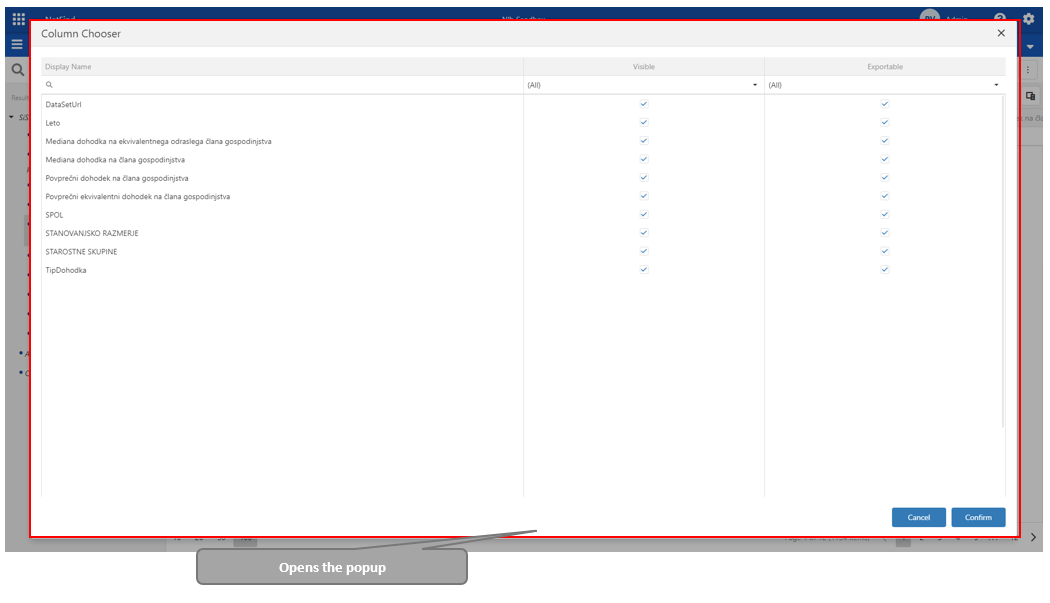
Opens popup window.
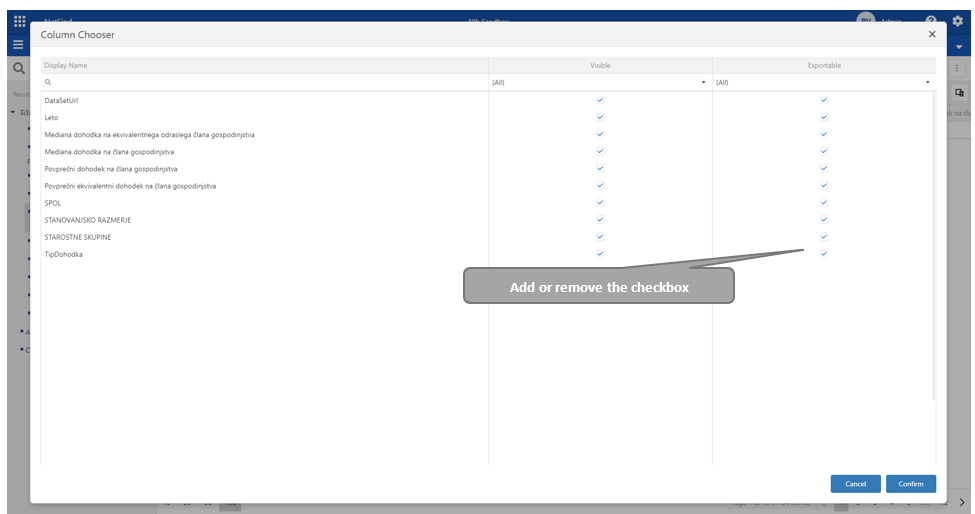
In column “Exportable“ add or remove checkbox for special column.
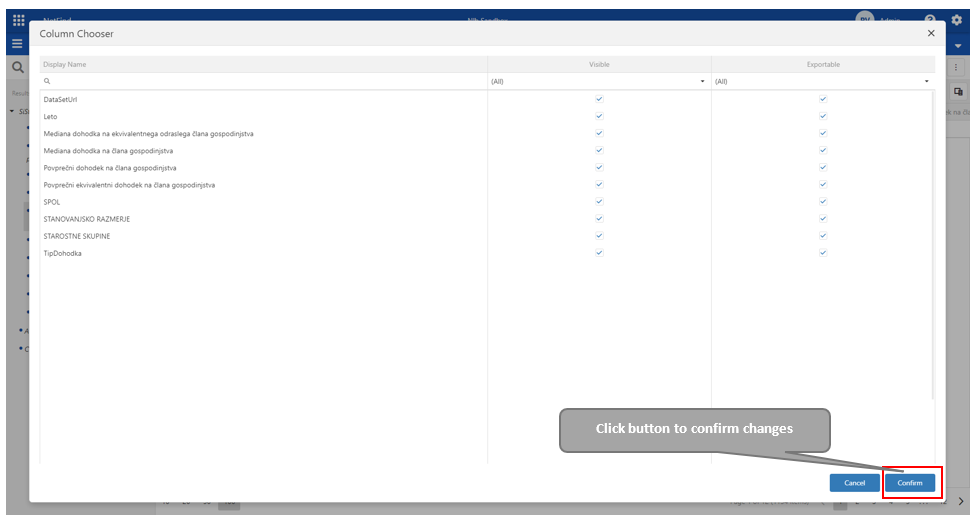
To save changes click button “Confirm“ located on the bottom of the popup window.