
Filtering data in preview table
The user can filter search results inside the data preview table. Filter icon is available below each column name which enables filtering meta results across the vast range of table column fields.
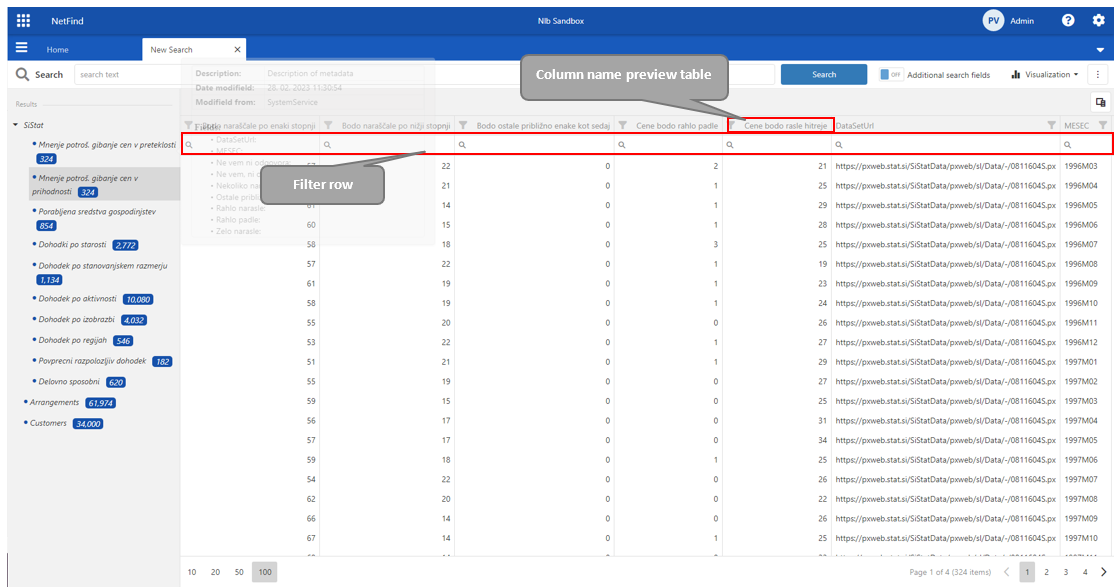
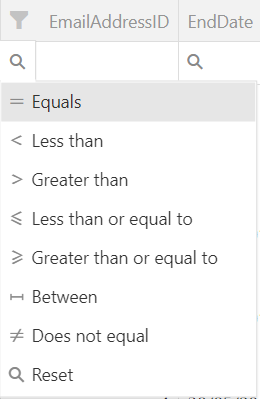
The filter opens by clicking on the magnifier inside the filter row.
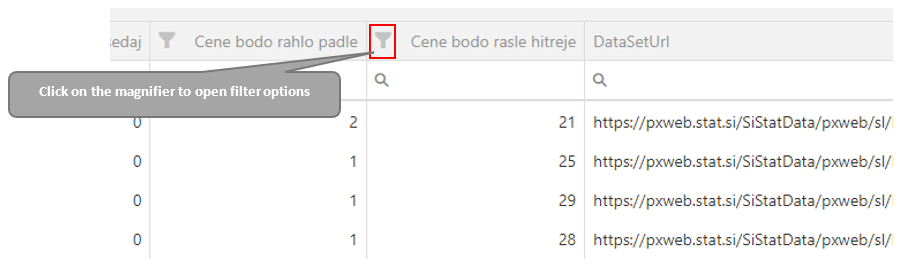
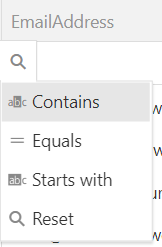
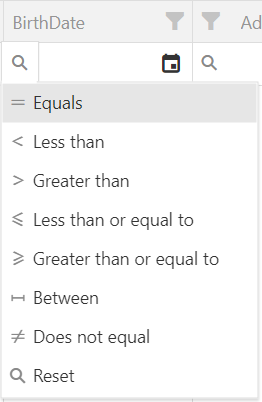
The filter options depend on the individual column data type.
Data type: Text | Data type: Date | Data type: Number |
|---|---|---|
Options: Contains, Equals, Start with, Reset. | Options: Less than, Greater than, Less than or equal to, Greater than or equal to, Between, Does not equal. | Options: Less than, Greater than, Less than or equal to, Greater than or equal to, Between, Does not equal. |
Default option: Contains | Default option: Equals | Default option: Equals |
Note: / | Note: Only the year, month and day are considered when filtering date field type. | Note: / |
 |  |  |