Order data in a preview table

In this tutorial you will learn how to order data in a preview table.
Steps
Open Search tab using one of tutorials below.
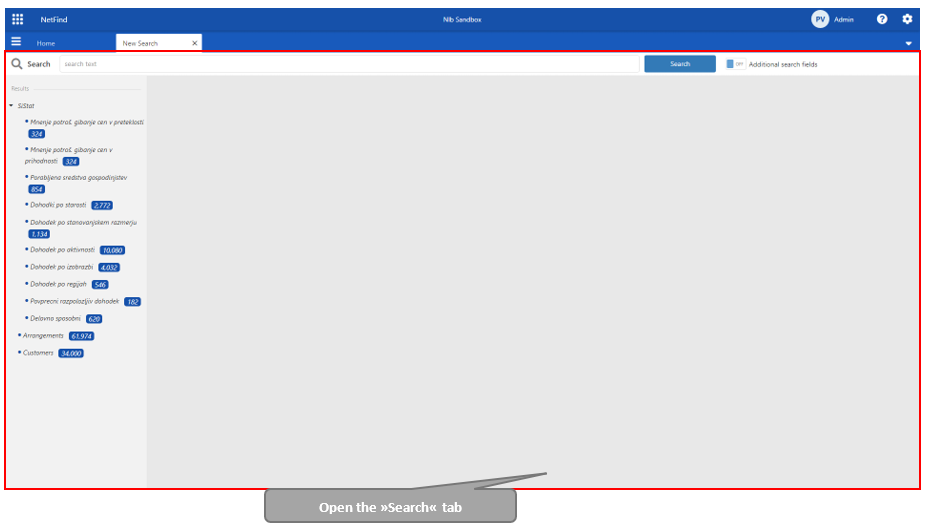
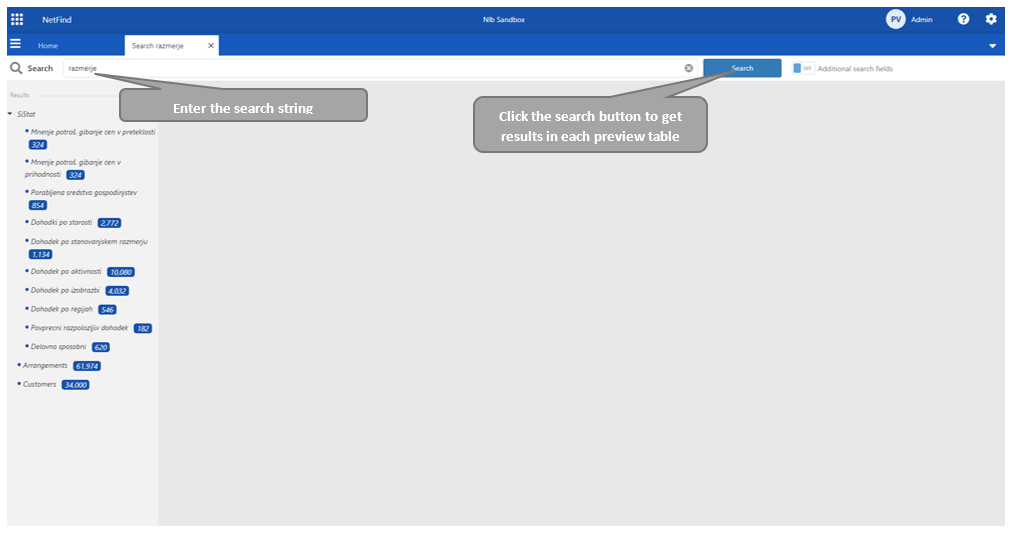
Enter a search string and click the »Search« button.
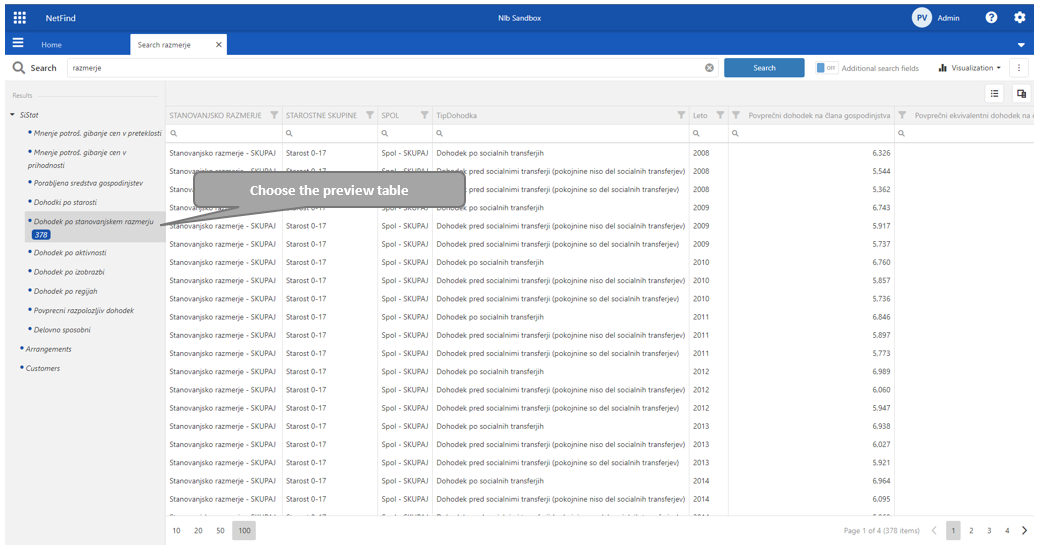
Select one source from the source navigation and view the source data in a preview table.
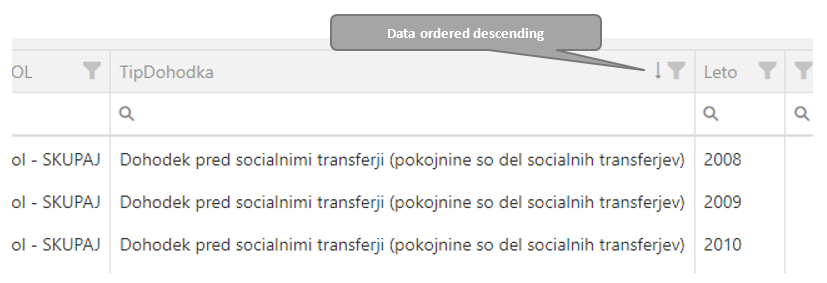
To order data, click on the header of the table. Next to the column name appears an upper arrow which indicates ascending data order.
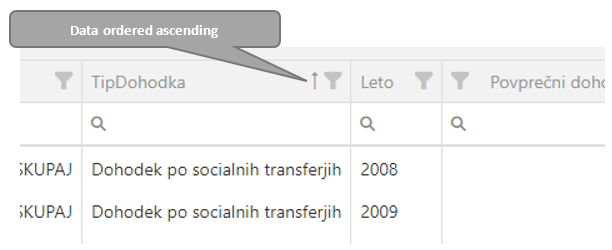
For descending ordering, click again in the table column name.