
Start a new search using Search tab

In this tutorial you will learn how to start new search using “New search” link in navigation menu
Steps
Open application navigation and click the “New search“ link.
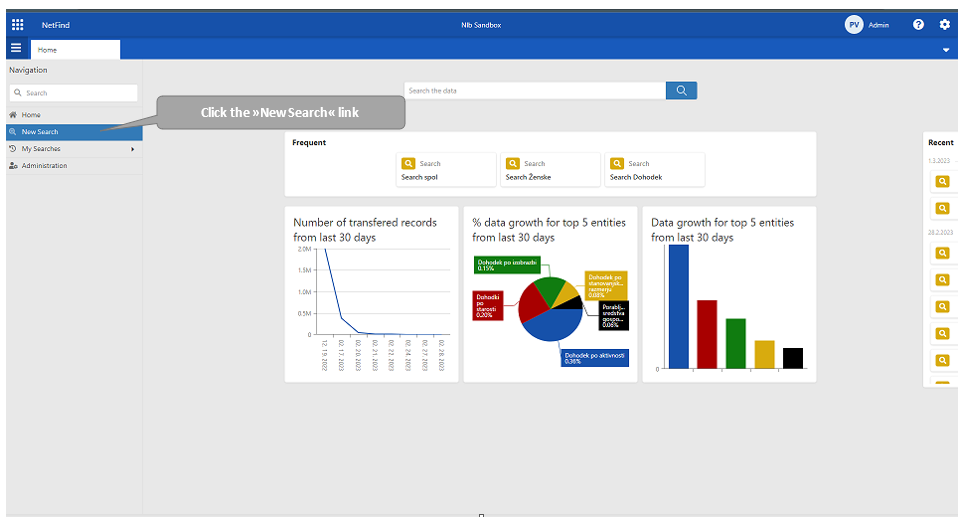
A click redirects the user to the “Search“ tab to choose among the search options: All fields search or by specific ones.
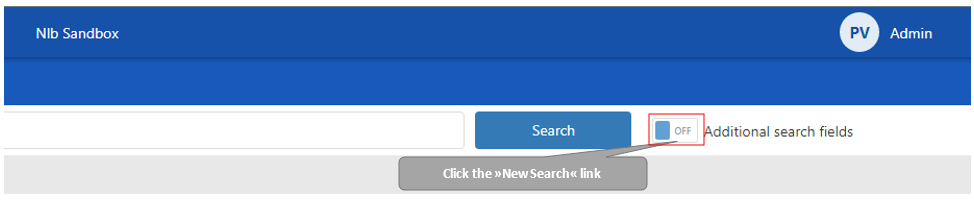
For searching by specific fields, switch ON the “Additional search fields“, right next to the search button. If searching by all fields, skip this step.
Enter all parameters and click search button.
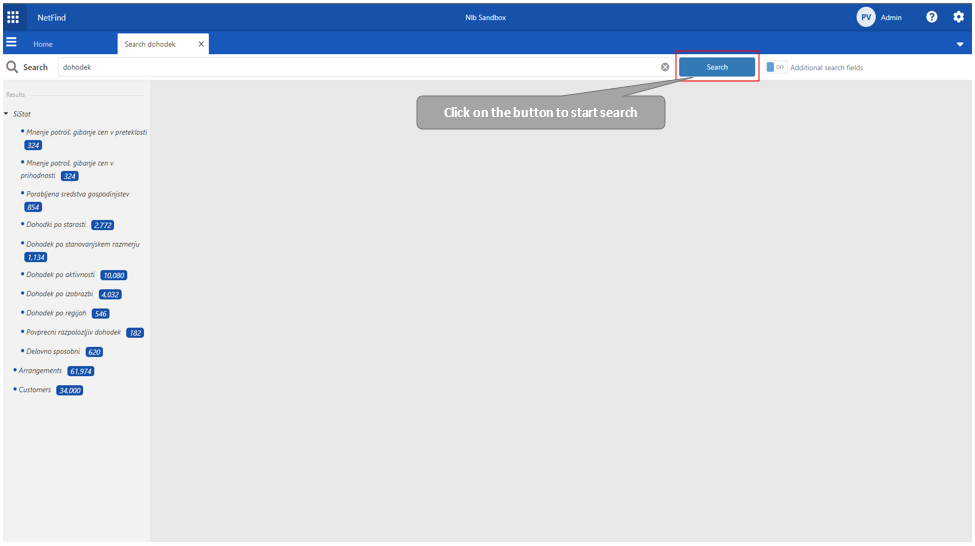
The user gets the results for the search string enquiry.