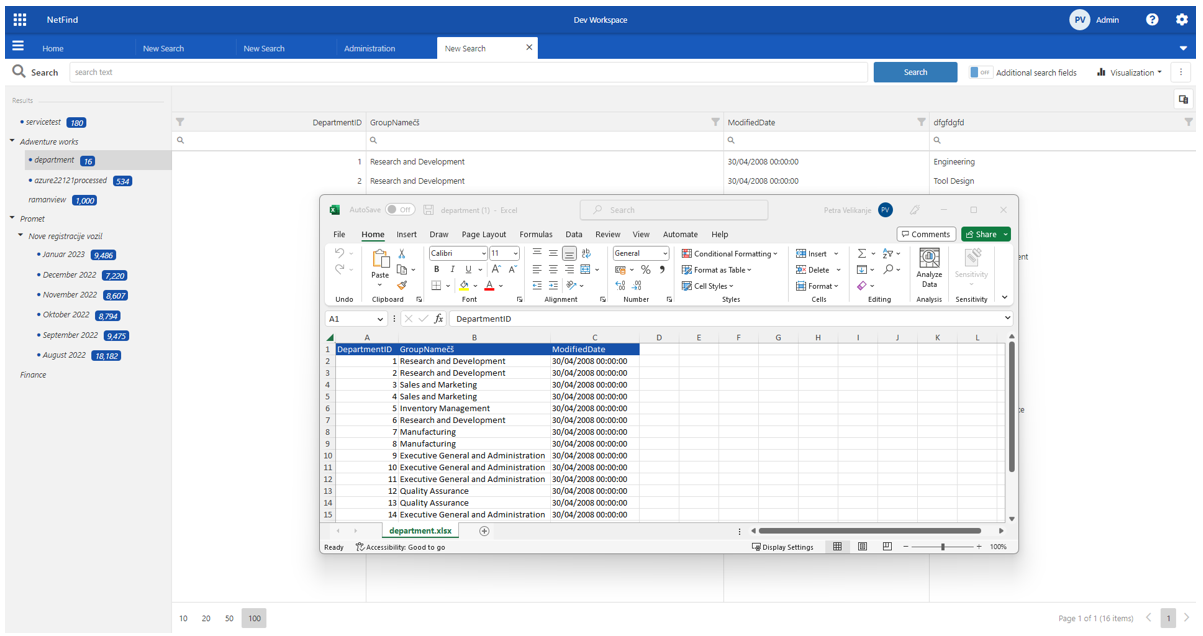
Export a preview table

In this tutorial you will learn how to Export filtered metadata to excel or csv file.
Steps
Open Search tab using one of tutorials below.
Filter data in the preview table as needed.
Order data in the preview table as needed.
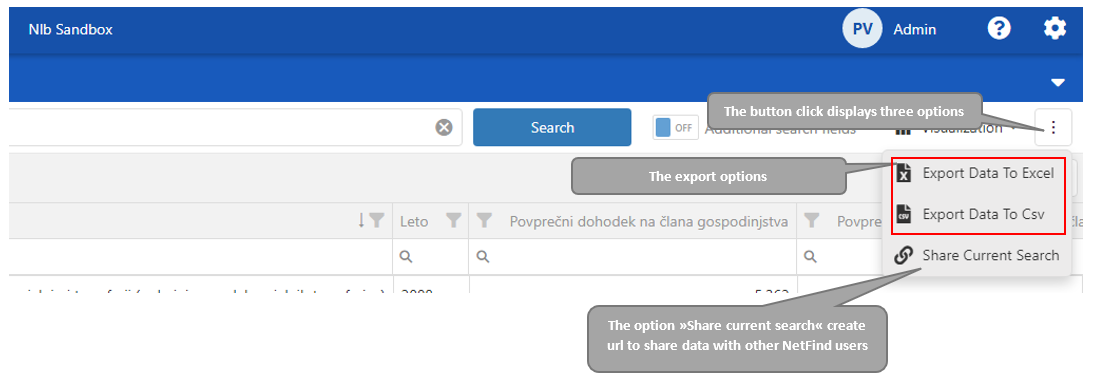
To export metadata click the “tree-dot“ button located next to the “Visualization“ button”. Select one of the options “Export data to Excel“, “Export data to csv“.
The result data opens in Excel or Csv(depends on selected option).