
Nodes
Basics
Nodes are the fundamental building blocks of NetFlow Processes. At a high level, a node is a function that takes input from previous nodes, performs certain operations, and returns the output. The resulting output is then passed on to subsequent nodes in the process.
Each node has its own node type. Nodes with the same node type execute the same function but with potentially different parameters. For a comprehensive list of different Node Types and their descriptions, refer to Node Types.
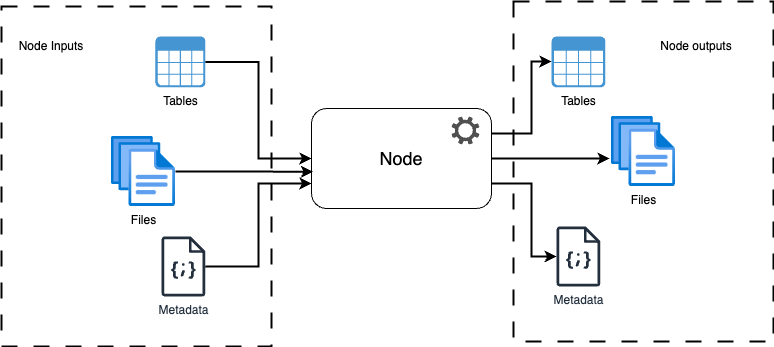
Schema of node execution
Node Configuration
Each node also contains a configuration object (in JSON format). Different configuration settings correspond to different node behaviors and execution.
To view the node settings, open a process tab in graph view and click on the Settings icon on one of the nodes. A new node settings pop-up window will appear. Please note that since this was opened from the graph view, it cannot be modified.
To modify the node settings, open the process in Designer mode. Click on the Settings icon on one of the nodes, and an editable node settings pop-up will appear. Modify or set the desired settings and click Save on the node settings window. The node settings are now saved locally. To save them on the server, click on the Save icon in the process designer toolbar.