
Login to the application
Users must log in using NetIlab application for the first time. The user is automatically redirected to the login page.
Depending on the organization and workspace type (read Workspace ) there are different login options:
Azure AD login using Office 365 account.
On premise login using local AD credentials.
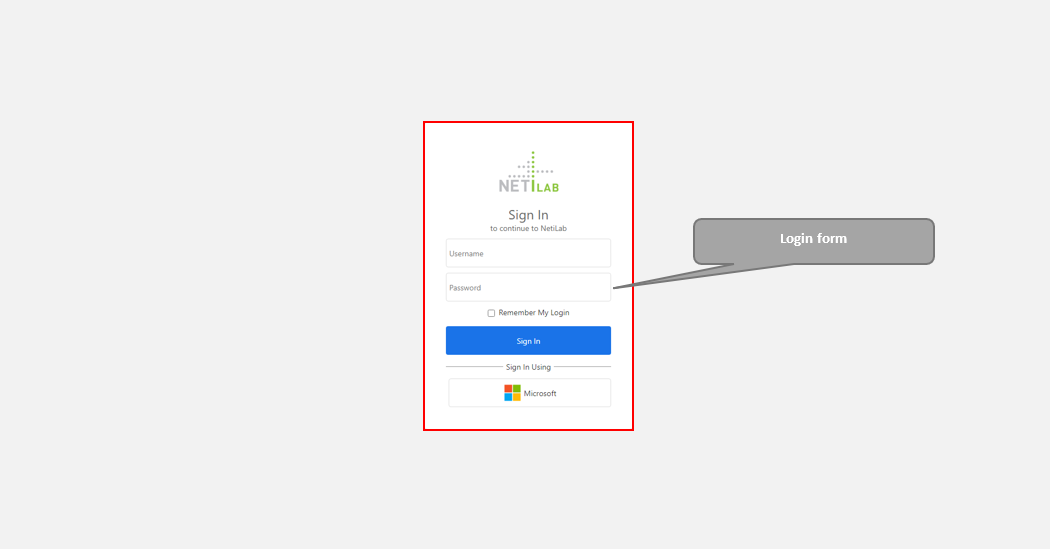
Login page with both login options.

If workspace if of cloud type there will not be multiple login options. User will be directly redirected to Microsoft login page and Office 365 account selection. Different accounts can be used to connect to different workspaces for example.
After successful user login to the NetiLab application a home page opens which contains information about the most popular user actions in NetFlow, NetFind and NetBox applications.
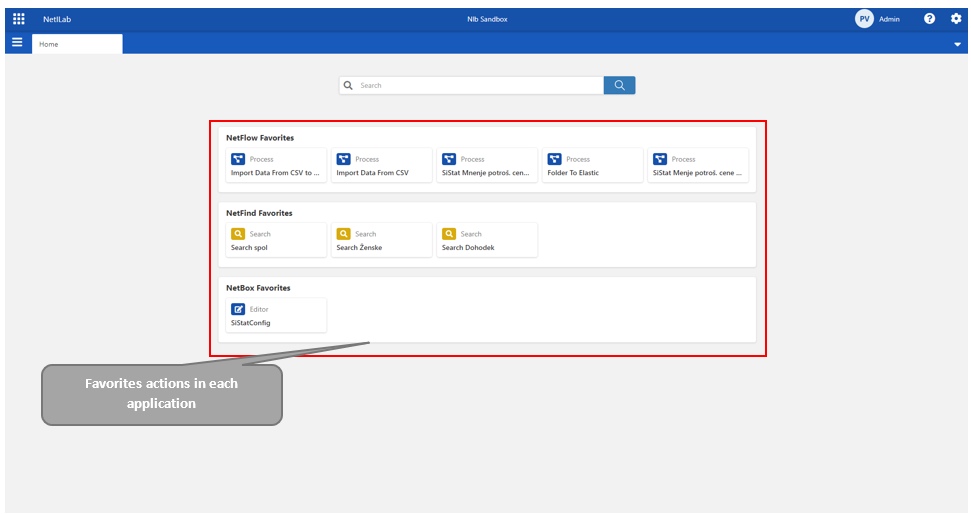
Note: The user does not have favourites actions if they are using the NetiLab application for the first time.